
Example Gallery
The fastest way to understand what a DocuShark document is — prose, diagrams, files, and references living together in one place — is to open a finished one.
Each example below is a real .docushark archive: the document plus everything it references, bundled into a single file. Download one, drop it into DocuShark, and poke around. When you want to build the same thing from scratch, follow its tutorial.
Open an example
- Open DocuShark (or the desktop app).
- Go to Documents home and choose Import.
- Pick the
.docusharkfile you downloaded — a new document is created with all its pages and embedded files intact.
The archive is self-contained, so it imports the same on the web app or desktop, online or off. See Export & Import for the full format.
These are yours to change
An imported example is an ordinary document — rename it, edit it, tear it apart to see how it's built. It won't touch the original file you downloaded.
A Research Project Notebook
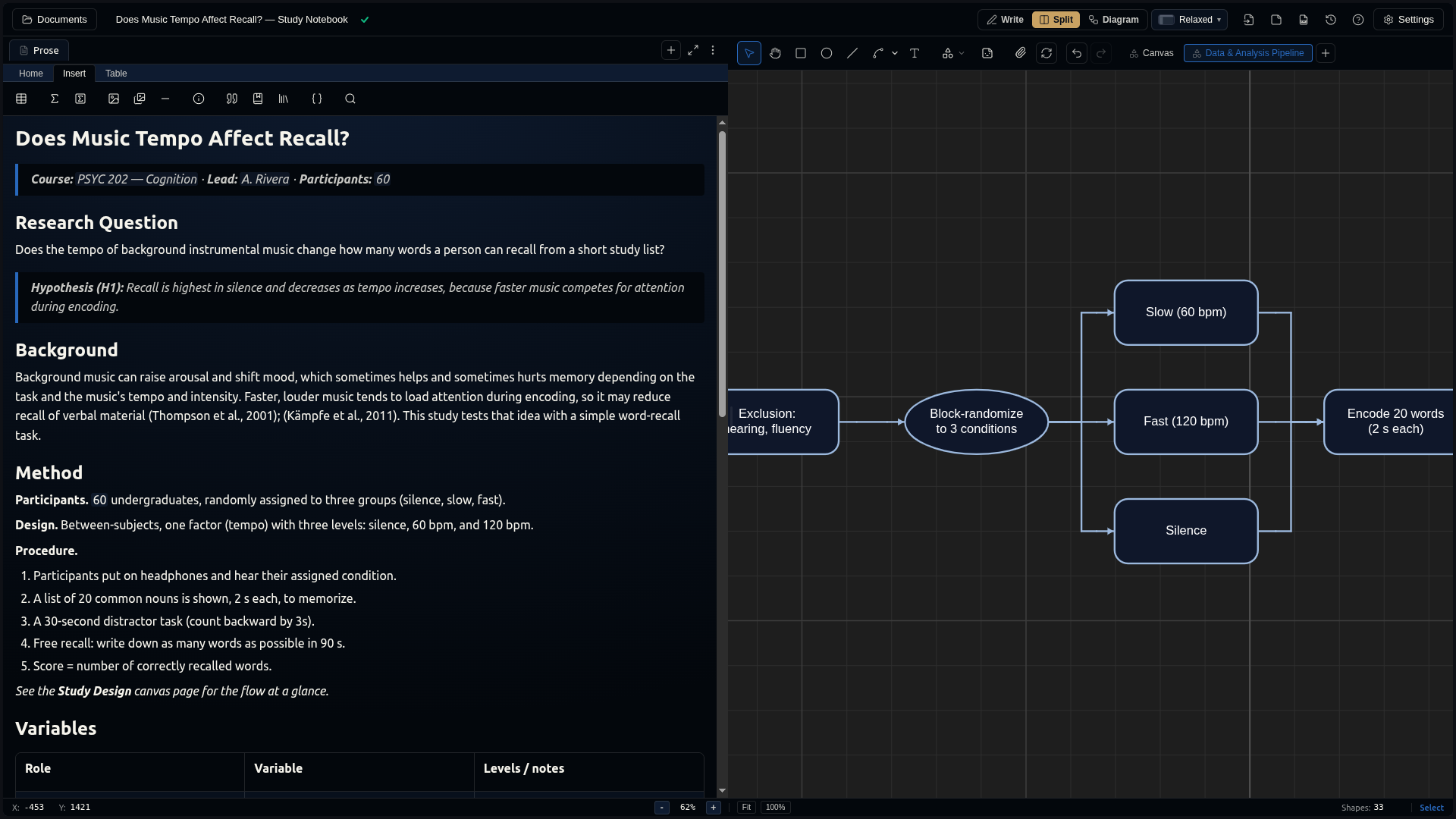
A psychology study notebook — Does Music Tempo Affect Recall? — with a properly cited write-up, a study-design diagram on its own canvas page, a results table with LaTeX statistics, and a concept mind-map. The kind of document a researcher keeps one of per study.
Shows off: document fields · inline citations + a generated bibliography · a linked diagram page · math · a mind-map via Add Group.
Download music-tempo-recall-study.docushark · Build it: A Research Project Notebook
A Course Curriculum
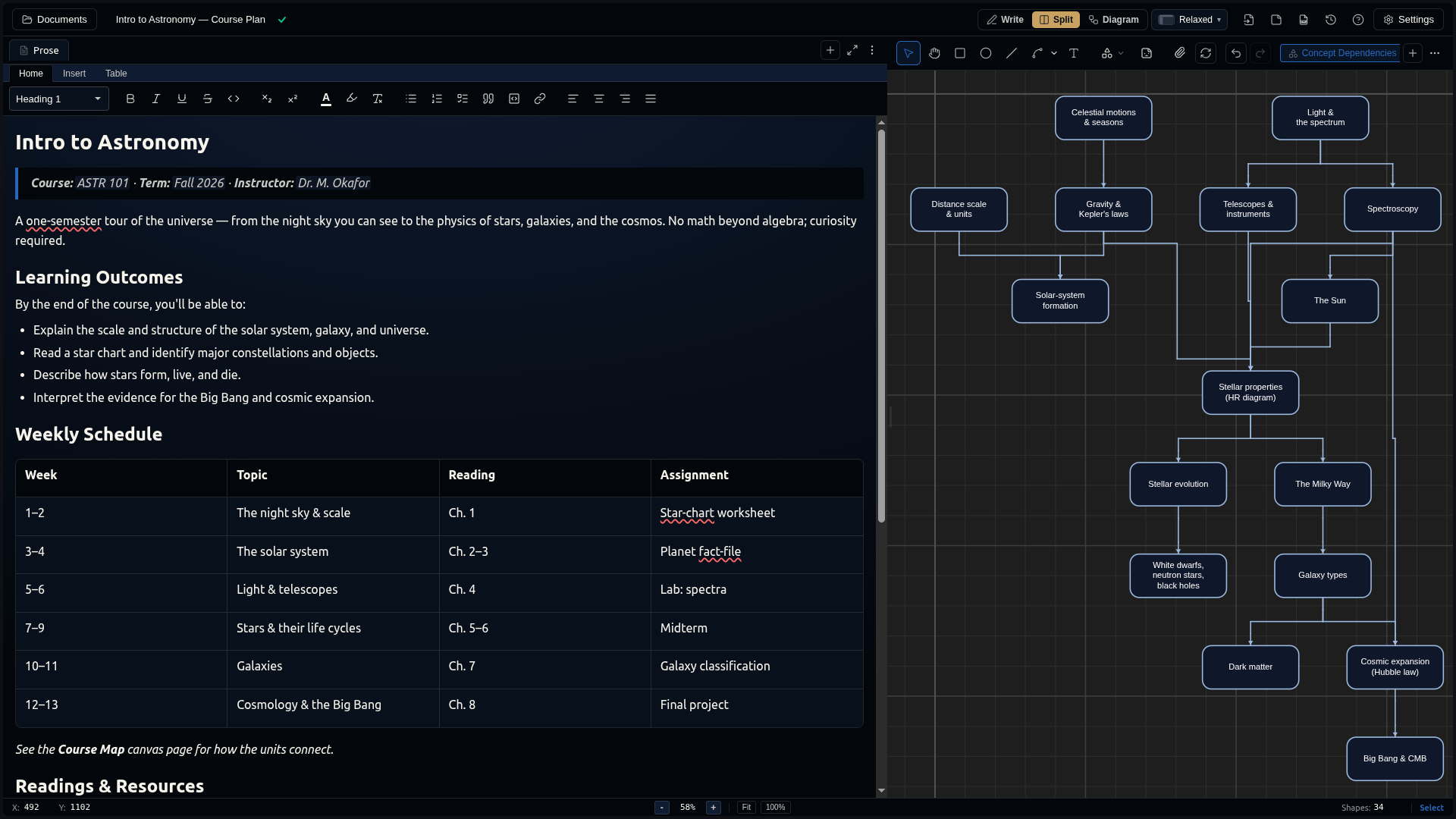
An Intro to Astronomy course plan — a weekly schedule, a citable reading list, and a concept-dependency map showing how the units build on each other. Clone it each term by changing a few fields.
Shows off: tables · a reference library for set texts · a linked concept map · document fields for reuse.
Download intro-to-astronomy-course-plan.docushark · Build it: A Course Curriculum
A Content Creator's Plan
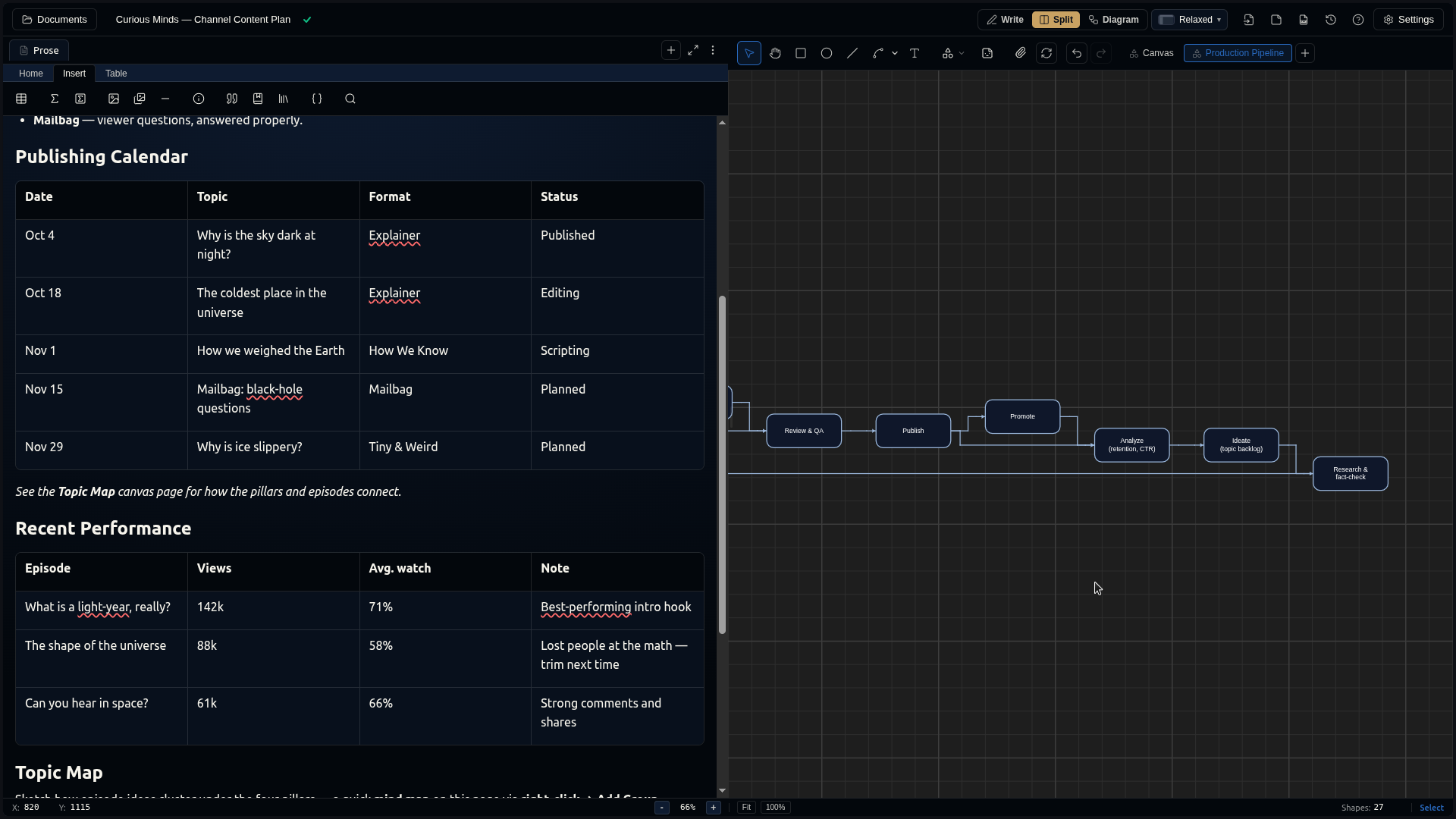
A Curious Minds science-channel content plan — content pillars, a publishing calendar, a performance log, a topic mind-map, and a production-pipeline diagram with a feedback loop. Everything a creator usually spreads across five apps, in one document.
Shows off: planning tables · a topic mind-map via Add Group · a process diagram with a loop · light fact-check citations.
Download curious-minds-content-plan.docushark · Build it: A Content Creator's Plan
A Lab Protocol
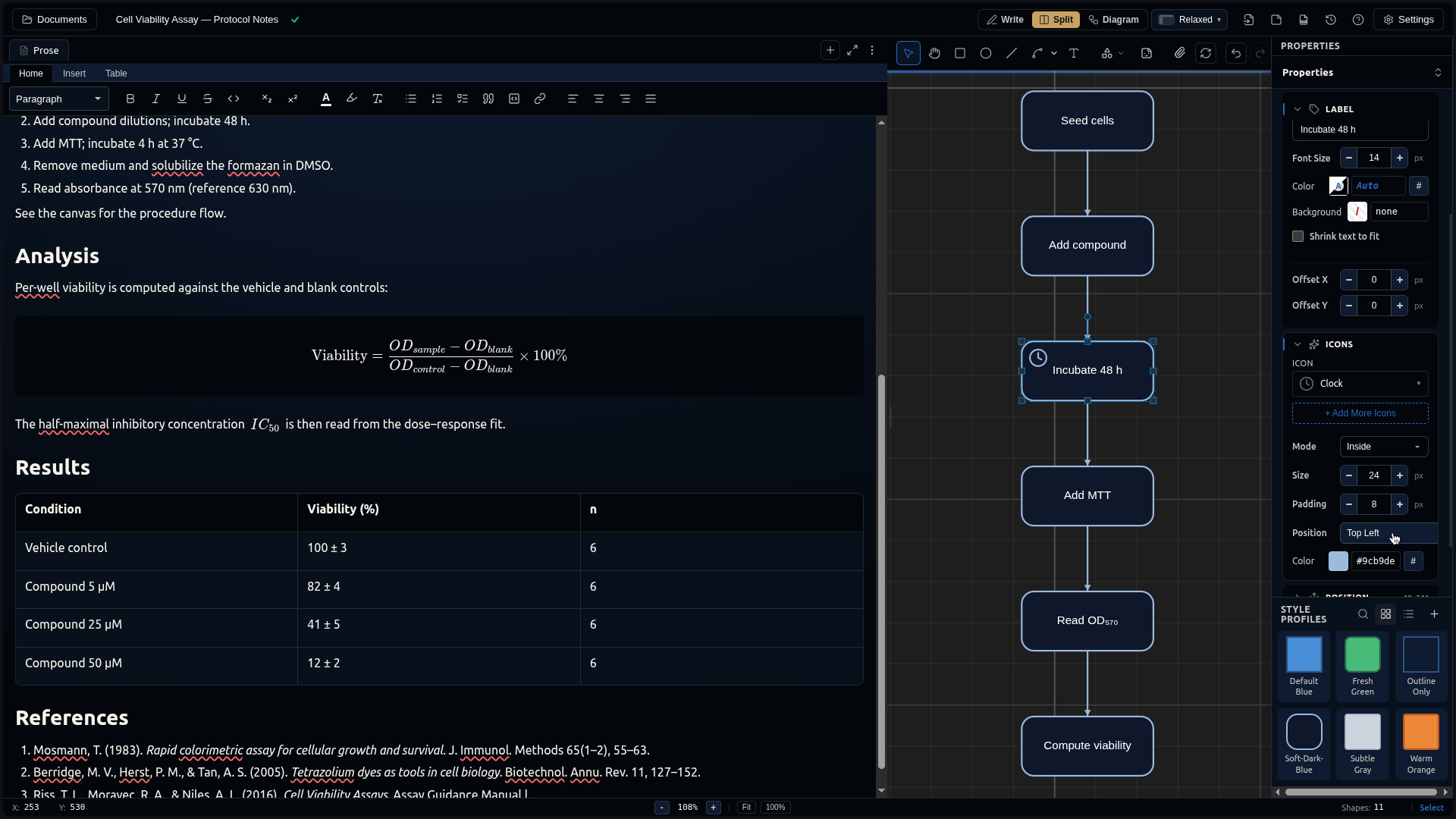
A Cell Viability Assay protocol — step-by-step method notes beside an icon-styled workflow diagram of the assay. A compact example of prose and a diagram reinforcing each other on one page. It's also the document in the Interface Tour.
Shows off: a procedure written as prose · an icon-styled workflow diagram · the Split layout · the Property panel and style profiles.
Download cell-viability-assay.docushark · Take the Interface Tour
Prefer a diagram-first example?
Two more tutorials build a document around a single diagram — no download, just follow along on a fresh canvas:
- A Design Doc with a Diagram — an engineering write-up with an architecture diagram beside the prose.
- Diagram an AWS Architecture — a cloud architecture with the official provider icon set.